


What Is WordPress Website Migration?
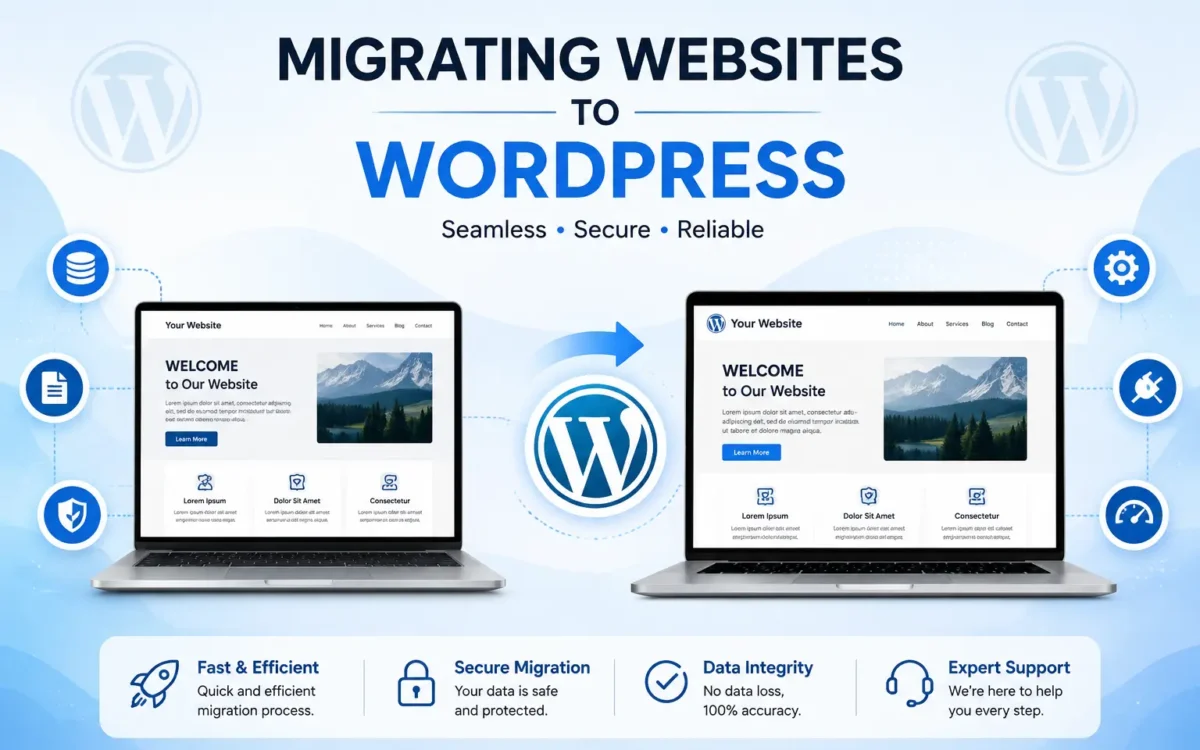
WordPress website migration means moving a website from one hosting account, server, or domain to another. This may be necessary when you want better hosting, a new domain, or a different website setup.
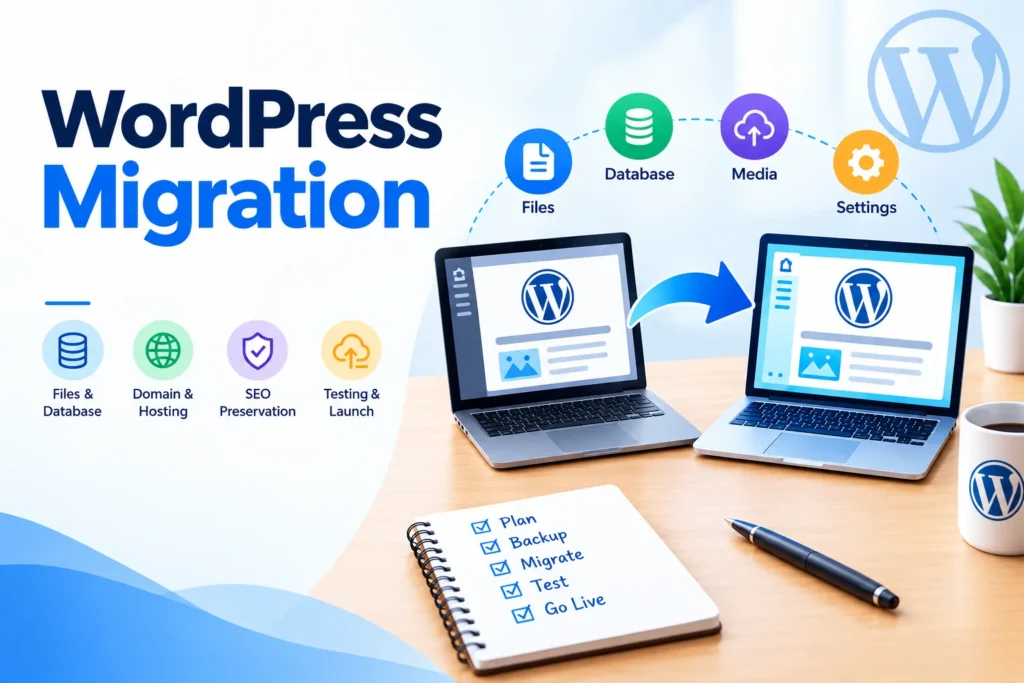
A WordPress website contains more than just its pages and images. It can also include the database, plugins, themes, media files, settings, and other important website information. All of these parts need to be moved correctly.
A proper migration should keep the website’s content and important settings intact while making sure the website works correctly on the new hosting or domain
Why Do Businesses Migrate Their WordPress Website?
There can be different reasons for moving a WordPress website. A business may want to change its hosting provider, move to a better server, change its domain name, or move a website from a development environment to a live website.
Sometimes, a website may also need to be moved because of hosting problems or changes in business requirements. Whatever the reason, careful planning can help reduce the chance of website downtime or missing data.
Move website files and database correctly
Keep pages, images, and important settings
Reduce the risk of data loss during migration
Before starting a migration, it is important to create a reliable backup and check the current website. This gives you a safer starting point if something goes wrong during the process.
“A successful website migration is not just about moving files; it is about making sure the website works properly after the move.”

MF Digitals /Author
What Should You Check After a WordPress Migration?
Moving the website is only one part of the migration process. After the website is transferred, important pages and features should be checked on the new hosting or domain.
Forms, menus, images, links, plugins, login areas, and other important features should be tested to make sure they are working correctly. If the domain has also changed, website URLs and related settings may need additional attention.
It is also important to check that the website is loading properly and that visitors can access the main pages without errors.
Test important pages and website features
Check links, images, forms, and menus
Confirm the website is working correctly on the new hosting
WordPress migration can be a useful step when changing hosting, domains, or website environments, but it should be handled carefully. A proper backup, correct transfer of website data, and thorough testing can help make the process smoother.
If you are planning to move your WordPress website, checking the complete website before and after migration can help avoid common problems and unnecessary downtime.
Popular News
19 September, 2026
How Much Should a WordPress Website Cost?

19 September, 2026
Why Every Business Needs a Professional Website