



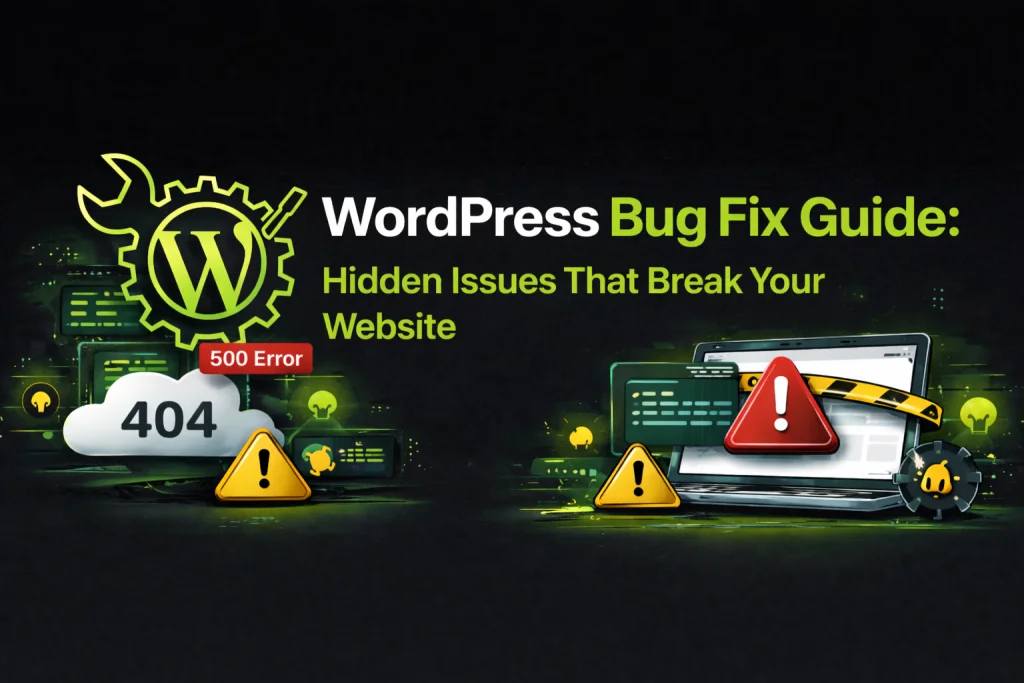
Why Do WordPress Websites Develop Errors?
A WordPress website can sometimes develop errors even when it was working properly before. These problems can happen after a plugin or theme update, changes to website settings, server issues, or conflicts between different website components.
Some problems are easy to notice, such as an error message or a broken page. Other issues may be less obvious, such as a contact form not working, images not displaying correctly, or a website feature behaving differently than expected.
Finding the actual cause of an error is important before trying to fix it. Making random changes can sometimes create additional problems or affect other parts of the website.
What Are Some Common WordPress Problems?
WordPress websites can experience different types of technical problems. Some may affect the entire website, while others may only affect a specific page, plugin, form, or feature.
Common problems can appear after website updates or changes. In some cases, the issue may be related to a plugin conflict, theme settings, incorrect configuration, or another technical problem.
Other common issues can include contact forms not working, images not loading, layout problems, login issues, or website features that stop working correctly.
“The right way to fix a website error is to find its cause first, then make the necessary changes.”

MF Digitals /Author
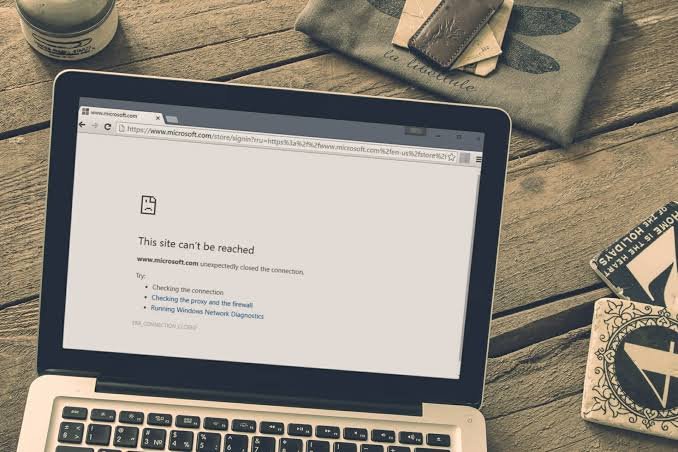
How Can WordPress Website Errors Be Fixed?
The first step in fixing a WordPress problem is to identify when and where the issue occurs. Checking recent updates, changes, plugins, themes, and website settings can help narrow down the possible cause.
Depending on the problem, the solution may involve updating or adjusting a plugin, correcting a setting, fixing a website configuration, or resolving a conflict between different components.
After making a fix, the affected pages and important website features should be tested again. This helps make sure the original problem has been resolved without creating another issue.
WordPress errors can be frustrating, especially when they affect important pages or features of a business website. The best approach is to understand the problem first instead of making unnecessary changes.
Regular updates, backups, and website maintenance can also help reduce some common problems. If an error appears on your WordPress website, identifying the cause and fixing it carefully can help get the website working properly again.
Tags:
Popular News

19 September, 2026
How Much Should a WordPress Website Cost?

19 September, 2026
Why Every Business Needs a Professional Website